We Love It's Guide to…
Soccering
Soccering is the little sibling of Volleying! Thus, as another physics-based game, it also gives the players more control over their moves, delivering unique matches each round. Invite your friends over or play remotely and enjoy this predictably unpredictable experience!
Released:
Aug 6, 2020
•
Developer:
Gestalt Development Studio
•
Publisher:
Gestalt Development Studio

Multiplayer

Online Co-Op

Local Co-Op

Character Customization

3D

Physics

Arcade

Co-op
.png)
Football (Soccer)

Indie

Funny

Family Friendly

Casual

Sports

eSports

Minimalist

Local Multiplayer

Third Person

Early Access

Cute

The Developer Says...
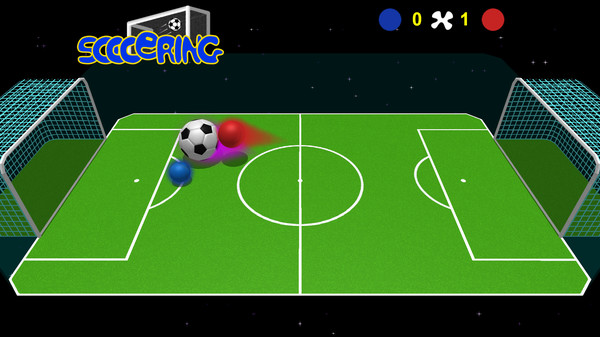
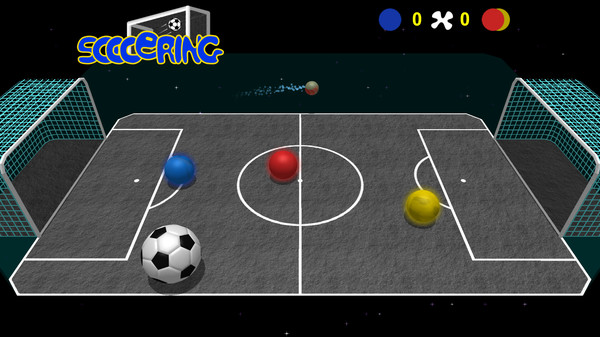
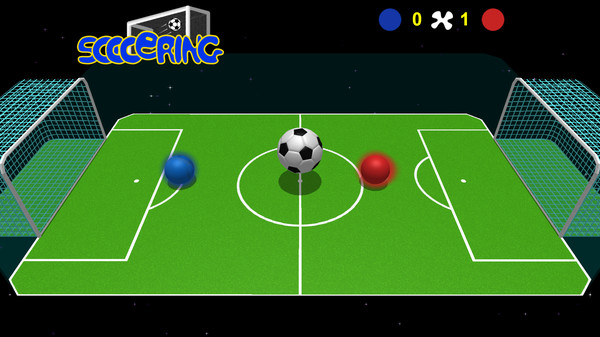
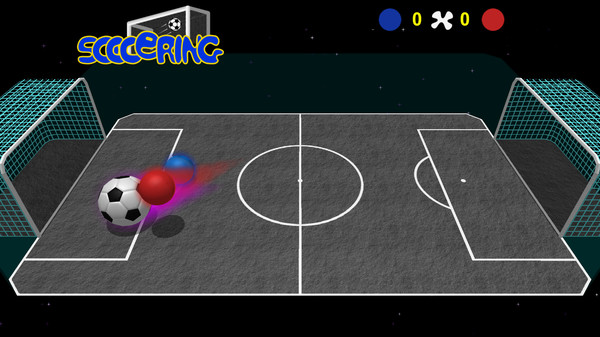
Soccering is a physics-based game where the objective is to control a sphere throughout the field and make the ball go inside of your opponent goal.
While jumping, you can use a small dash in either direction, or up. But remember it takes 5 seconds to load again.
In the arcade mode, there are items you can collect to temporarily change the behavior of the players, bringing funny situations to the game.
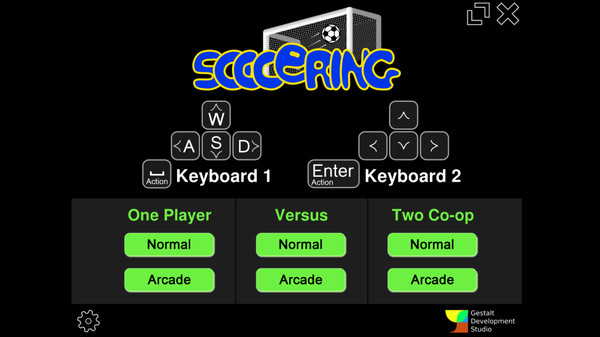
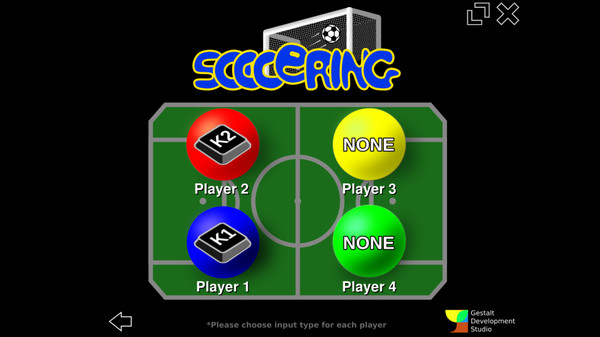
You can play 1 x 1, 1 x 2 or 2 x 2. There's also a coop mode where you can test your skills against CPU with a friend.
Press the square brackets ( "[" and "]" ) to navigate between the sound tracks.
Soccering allows you to customize the Field and the Players skins. The instructions for this are following:
Thanks for your support!
While jumping, you can use a small dash in either direction, or up. But remember it takes 5 seconds to load again.
In the arcade mode, there are items you can collect to temporarily change the behavior of the players, bringing funny situations to the game.
Play with your friends
You can play 1 x 1, 1 x 2 or 2 x 2. There's also a coop mode where you can test your skills against CPU with a friend.
Press the square brackets ( "[" and "]" ) to navigate between the sound tracks.
How to customize Field and Players?
Soccering allows you to customize the Field and the Players skins. The instructions for this are following:
- Open the Steam Client > Right click on Soccering > Properties > Local Files > BROWSE LOCAL FILES
- Look inside the "conf" directory. There are the template files (player_.png and field_.png) for Players and the Field, as well the instructions of how to save the images... Pick your favorite image editor, create your images and play with your own artwork.
Thanks for your support!
Back of the Box Details
Steam Deck
Unknown
DLC
None
DRM/EULA Notices
Requires agreement to a 3rd-party EULA
Soccering EULA
Achievements
None
Ratings
None
Demo
None
Metacritic
None
Content Notices
Online interactivity
Controller Support
PS Xbox
Reviews
89%
Very Positive
Based on 36 reviews
Individual reviews are not available yet.