We Love It's Guide to…
Wallpaper Transformer
Transform Microsoft applications or games into desktop wallpapers. Watch video or play games in wallpaper.
Released:
Sep 13, 2017
•
Developer:
Nincent
•
Publisher:
Nincent

Video Production

Utilities

Early Access

Animation & Modeling

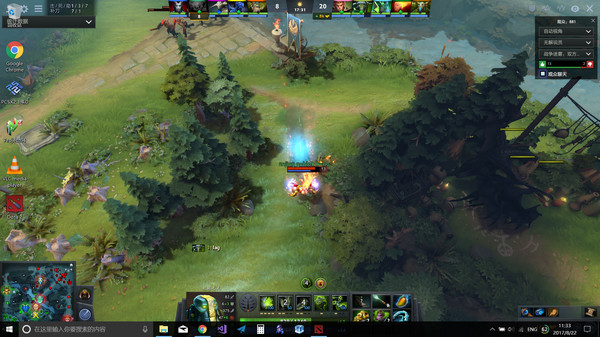
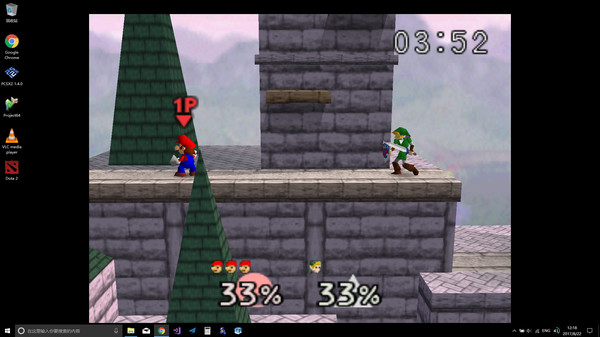
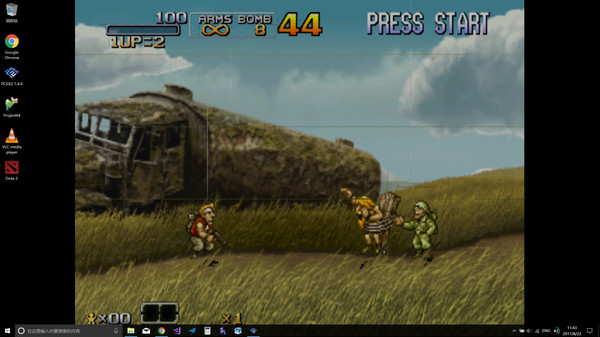
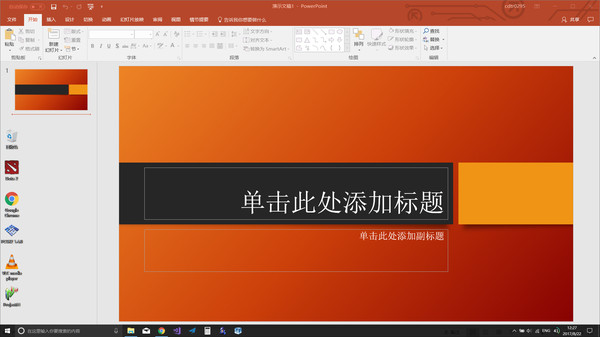

The Developer Says...
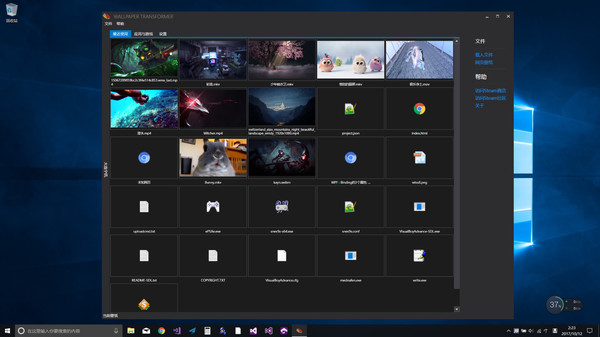
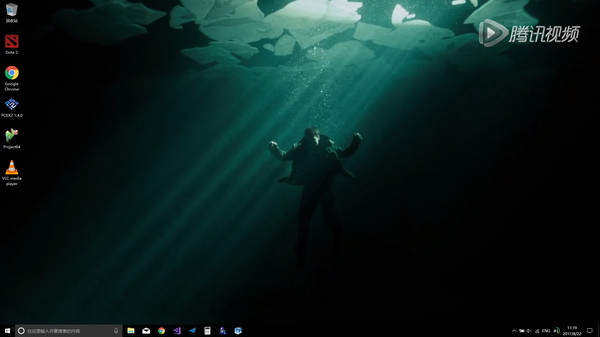
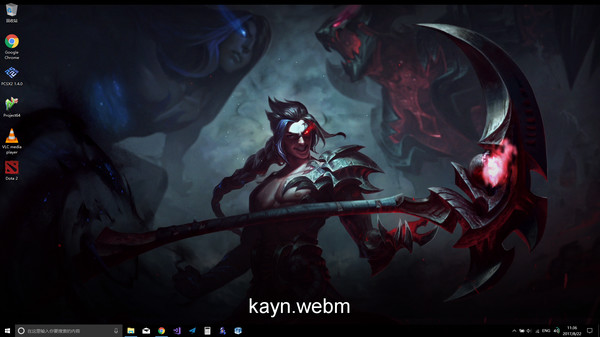
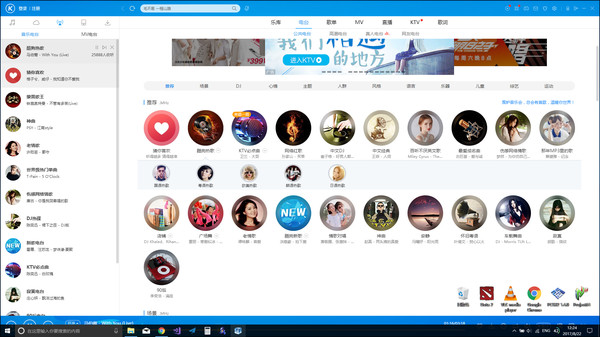
Wallpaper Transformer turns your Windows desktop applications and games into live wallpapers. Not only could they run as wallpapers, but also could be played there as normal.
Features
- Convert applications to wallpapers.
- Convert games to wallpapers.
- Play games with controller support in wallpaper.
- Hide desktop icons to use applications in wallpaper.
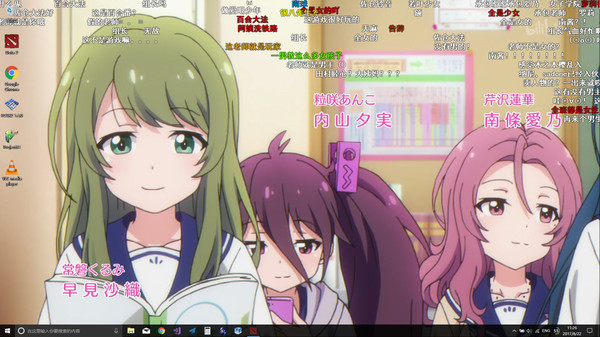
- Watch movies in wallpaper.
- Stream games in wallpaper.
- Switch between wallpaper and normal mode.
- Many applications and games are supported, such as VLC player, Chrome browser, PCSX2 emulator, Office Word and Dota2 etc.
- Extend wallpaper's ability to application wise.
How to use?
- Use the search window tool to find an application window and set it as wallpaper. Press the combo key Alt+Caps to switch between wallpaper and normal mode. The combo key is especially useful when you switch the full screen application into wallpaper, because you can only use the combo key in full screen then.
- After setting the appliction as wallpaper, you could check the Hide icons option if you want to use the appliction in wallpaper.
Dev plan
- Mac support
- Multiple applictions in wallpaper
- Any good features suggested
Back of the Box Details
Steam Deck
Unknown
DLC
None
DRM/EULA Notices
None
Achievements
None
Ratings
None
Demo
None
Metacritic
None
Content Notices
None
Controller Support
None
Reviews
28%
Mostly Negative
Based on 58 reviews
Individual reviews are not available yet.