We Love It's Guide to…
Helping Hand
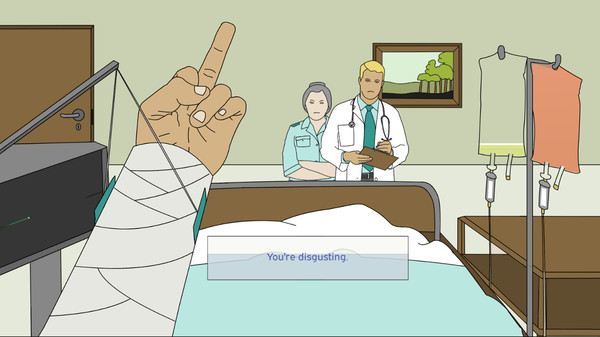
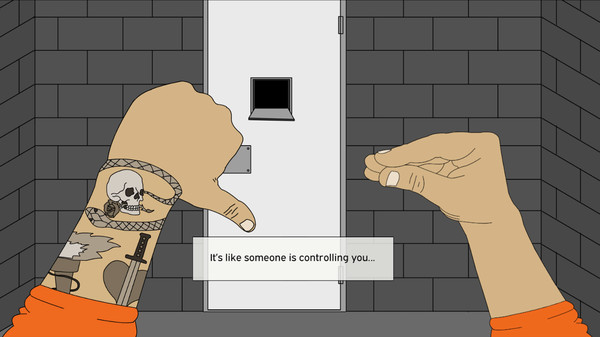
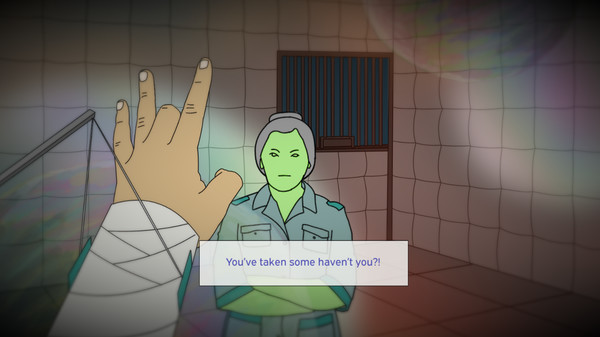
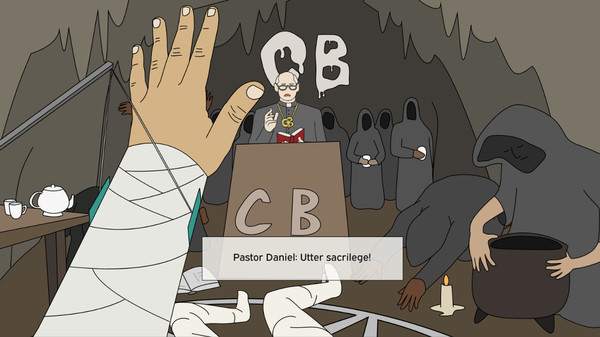
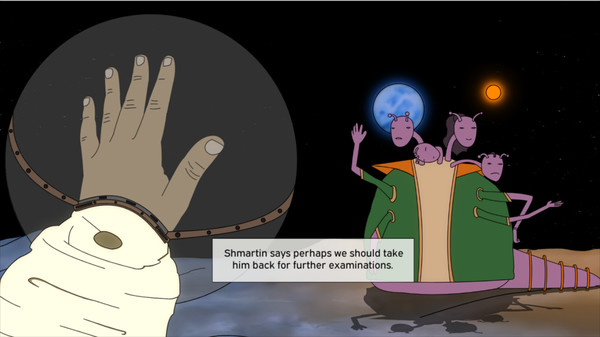
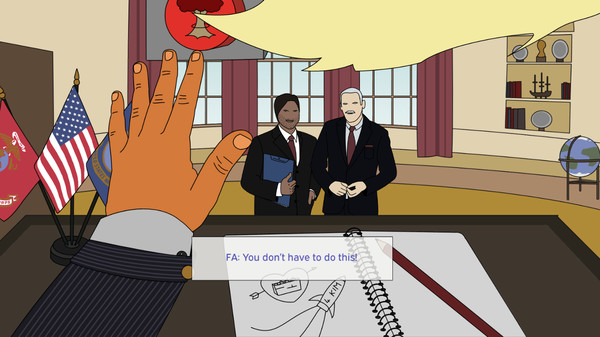
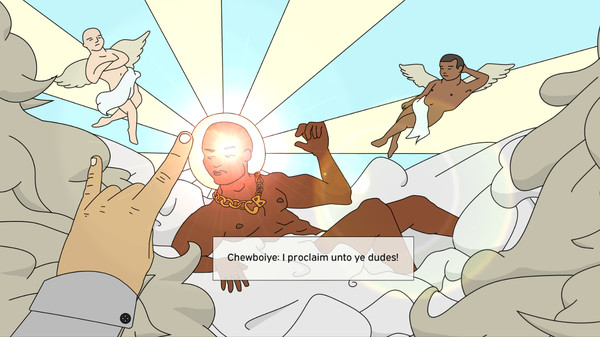
Welcome to Helping Hand! A game about expressing yourself using only your left hand. What about your right hand, you say? Well that’s broken. As well as all the other bones and muscles in your body. Find out why and explore the different environments and character within this indie game!
Released:
Jul 26, 2018
•
Developer:
Hubblegum
•
Publisher:
Hubblegum

Casual

Simulation

Indie

Singleplayer

Cartoony

First-Person

Aliens

Multiple Endings

Funny

Dialogue Heavy

Interactive Fiction

Experimental

Adventure

Satire

Comedy

Story Rich

Choose Your Own Adventure

Dark Humor

Nonlinear

JRPG
The Developer Says...
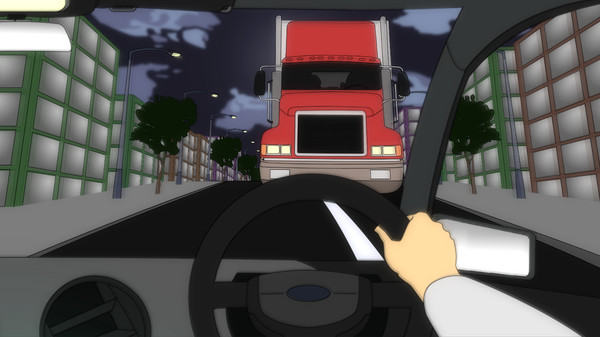
Imagine this: you’ve been in a horrible car accident, every bone and muscle in your body is broken and the only thing you can use to express yourself is your left hand…
Welcome to Helping Hand!
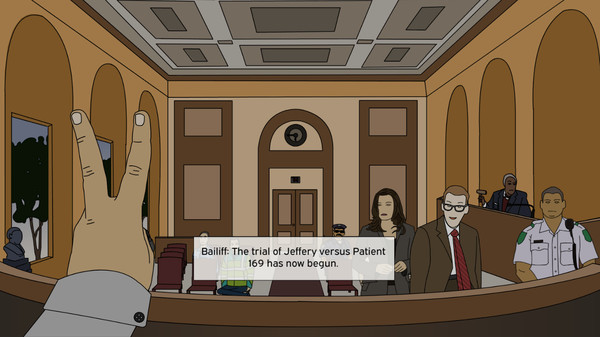
This game is about communicating with characters, unlocking new environments and possibly ruling the world - all with just your left hand. Throughout the game, you can use up to seven unique hand gestures to communicate with people and fiddle with your environment. Careful though, try not to anger people too much – your life could depend on it!
Helping Hand works with a keyboard and mouse. Each finger within the game relies on a separate input. By default, the controls are:
“1” for your pinky finger
“2” for your ring finger
“3” for your middle finger
“4” for your index finger
“Space Bar” for your thumb
As you press each button, your finger will bend. If you bend your fingers in the right combination, you will form a gesture. Check out the instruction screen if you’re stuck and feel free to change the finger inputs inside the game!
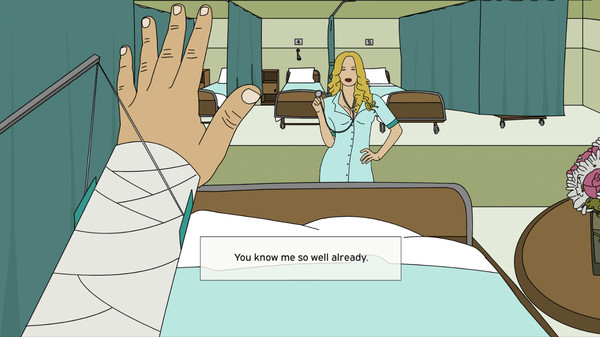
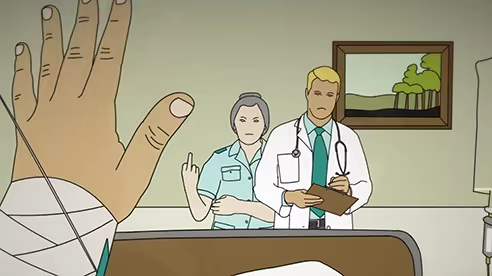
Good luck! And try to be nice to Nurse Barbara…
Welcome to Helping Hand!
This game is about communicating with characters, unlocking new environments and possibly ruling the world - all with just your left hand. Throughout the game, you can use up to seven unique hand gestures to communicate with people and fiddle with your environment. Careful though, try not to anger people too much – your life could depend on it!
Helping Hand works with a keyboard and mouse. Each finger within the game relies on a separate input. By default, the controls are:
“1” for your pinky finger
“2” for your ring finger
“3” for your middle finger
“4” for your index finger
“Space Bar” for your thumb
As you press each button, your finger will bend. If you bend your fingers in the right combination, you will form a gesture. Check out the instruction screen if you’re stuck and feel free to change the finger inputs inside the game!
Good luck! And try to be nice to Nurse Barbara…
Awards and Kudos




Back of the Box Details
Steam Deck
Unknown
DLC
None
DRM/EULA Notices
Requires agreement to a 3rd-party EULA
Helping Hand EULA
Achievements
None
Ratings
None
Demo
None
Metacritic
None
Content Notices
None
Controller Support
None
Reviews
53%
Mixed
Based on 40 reviews
Individual reviews are not available yet.