
We Love It's Guide to…
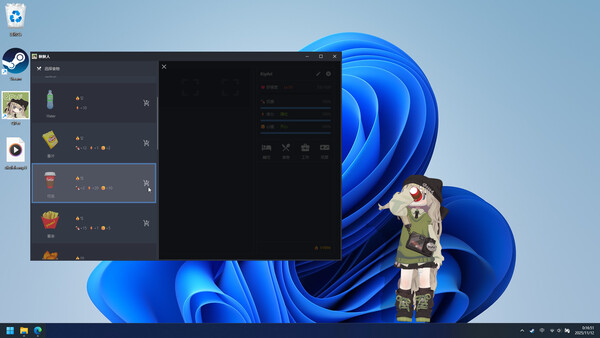
One day, you found a lost little QPet.
Released 18 Nov 2025
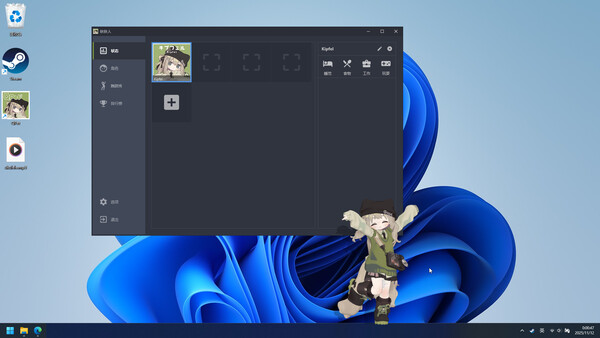
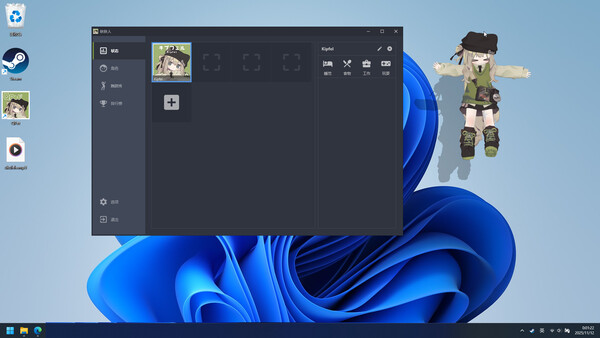
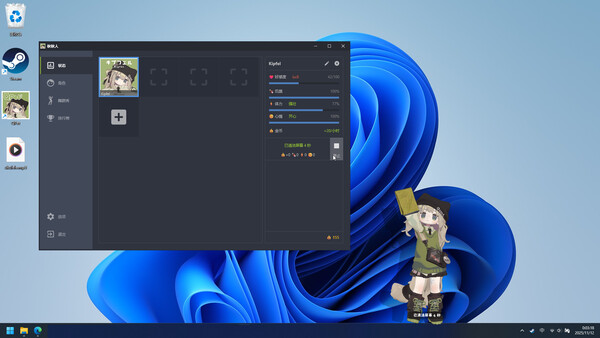
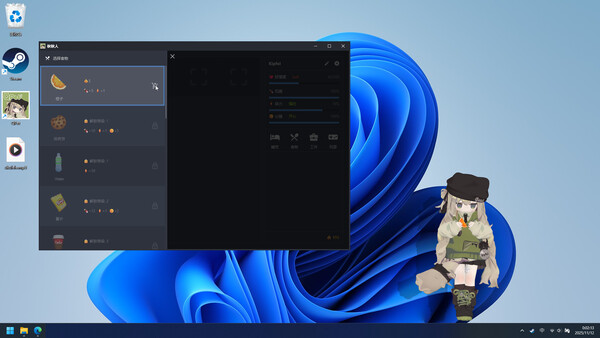
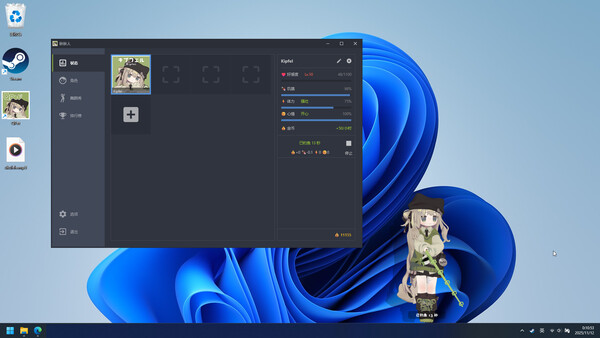
One day, you found a lost little QPet. You feed her and play with her, and she soon makes herself at home on your screen. She works, plays, and dances to music—and even brings friends, turning your desktop into a lively, warm, and heartwarming little world.
Developed by XDesktopSoft · Published by XDesktopSoft



QPet has about 148 positive and 11 negative player reviews out of a total 159. We'll add a detailed breakdown here when there are more reviews.
One day, you found a lost little QPet. You feed her and play with her, and she soon makes herself at home on your screen. She works, plays, and dances to music—and even brings friends, turning your desktop into a lively, warm, and heartwarming little world.
Free desktop pet, cutely stays in the taskbar without interrupting your work or study.
Cute, lively animations bring your QPet to life.
Dances automatically to your music, with lots of dance animations.
Support mouse interaction effects.
Support import Chibi MMD models.
Works on multiple monitors.
Support Multi-language interface.
Lightweight and optimized—runs smoothly even on low-end PCs.
Compatible with other games, apps, and live wallpapers.
[NOTE]: QPet's buildin default character avatar “Kipfel” with permission from Mochiyama Kingyo. ©Mochiyama Kingyo
Select a character. Use the mouse wheel to resize all characters, or hold Ctrl and scroll to resize only the selected one.
| Platforms | Windows |
|---|---|
| Achievements | 26 |
| Age ratings |
|
| Controller required | No |
| DLC / extras | 1 listed on Steam |
| Website | Official website |