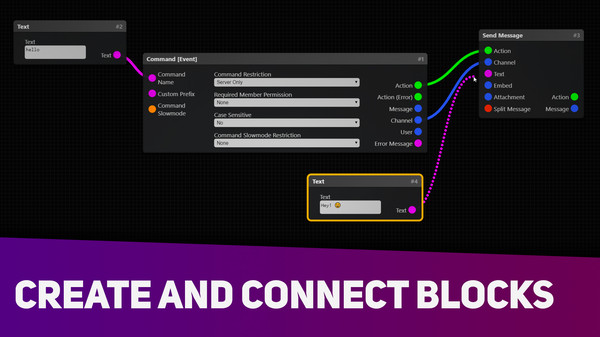
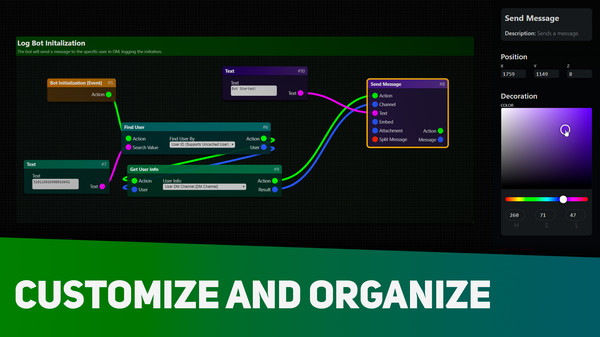
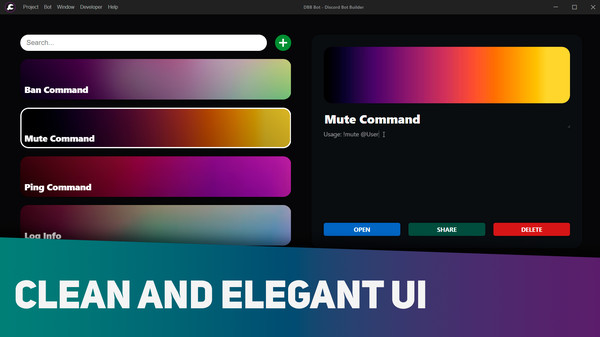
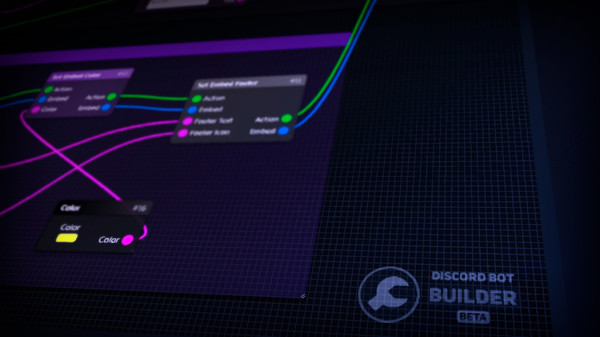
Discord Bot Builder is an interactive program with a friendly user interface to help people without programming skills to create their Discord bots. Players gave Discord Bot Builder a 72% positive score. Released August 1, 2019. Top tags include Utilities, Early Access, Education, and Software Training.
Discord Bot Builder is an interactive program with a friendly user interface to help people without programming skills to create their Discord bots.
Discord Bot Builder is an interactive program with a friendly user interface to help people without programming skills to create their Discord bots.
Developed by MrGold · Published by MrGold
Player Review Breakdown
Discord Bot Builder has about 177 positive and 69 negative player reviews out of a total 246. We'll add a detailed breakdown here when there are more reviews.
72%
positive of 246 player reviews
Full Game Details
From the Devs
Discord Bot Builder is an interactive program with a friendly user interface to help people without programming skills to create their Discord bots.
What is Discord?
Discord is a voice and text chat application for the users who enjoy playing games. If you know TeamSpeak or Skype, Discord is almost the same thing. The Discord application is available for Windows, macOS, Android, iOS, iPadOS, Linux and web browsers. You can download the Discord application in the official Discord website.
What is a Discord bot?
Discord bot is like a robot disguised as an user which is controlled by the Discord API. Typically, they have more features than a normal Discord user. Bots can be a music, moderator, giveaway, entertainment bot or something else. You can make many things with them, you just need creativity. Seftbot is not allowed on Discord and your account can be banned.
What is required to run my bot in Discord Bot Builder?
You will need Discord and a bot token, of course. In your Discord, you should enable the "Developer Mode" option in order to get the ID of an user, channel, server, etc... To get a bot token, you need to register on Discord Developer Portal website. Read the docs for more information.
What is possible to do in Discord Bot Builder?
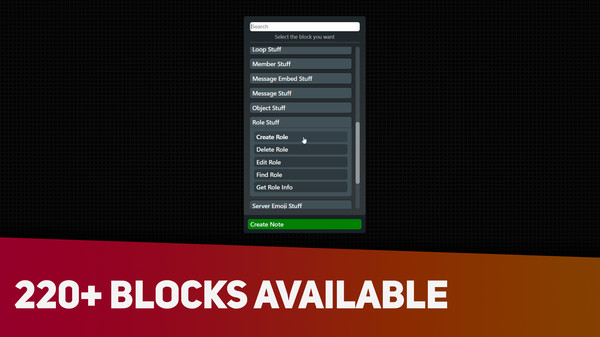
Recently, Discord Bot Builder was updated, adding more possibilies for the users creating their bots. You can use music, data, API, moderation, server control, file management and many other 220+ blocks available.
What does "DBB" mean?
It is (D)iscord (B)ot (B)uilder, just to avoid typing the whole name every time.
How can i get help using this software?
Official Discord server: (Recommended, better support) Documentation: (Unofficial) Steam Community
Back of the Box
Platforms
Windows
Age ratings
ClassInd (Brazil) L
IGRS (Indonesia) 3
Steam (Germany) 0
Controller required
No
DRM / EULA
Requires agreement to a 3rd-party EULA Discord Bot Builder EULA