
We Love It's Guide to…
A Windows capture tool for recording or streaming gameplay, with configurable in-game overlays, audio controls and live stats.
Released 16 May 2020
Add an On-Screen Crosshair
Monitor Live Game Stats
Record Gameplay at 200 FPS
Use our cool in-game overlays to achieve the best gaming experience! Harnessing the power of your GPU, hardware accelerated H.264 codecs and the various overlays, you will have an advantage over your opponents and you can share your victories.
Developed by Eduard Kozadaev · Published by Eduard Kozadaev
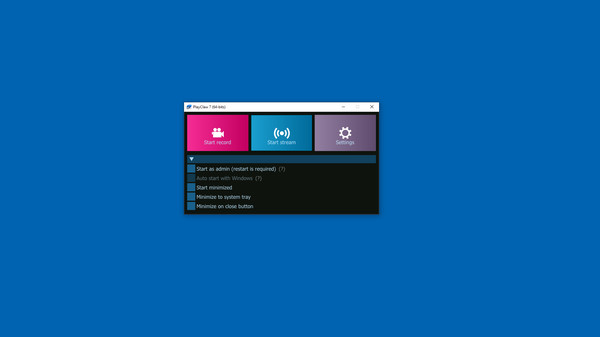
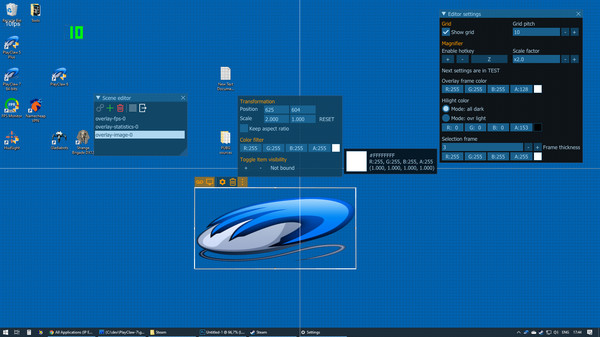
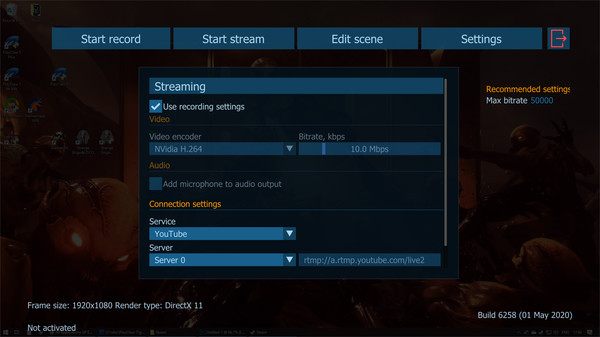

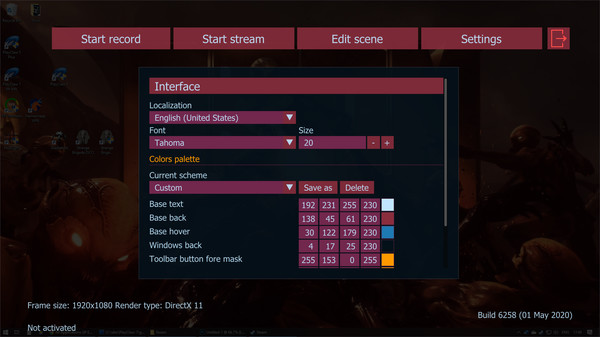


PlayClaw 7 is a Windows utility for capturing gameplay, desktop activity and web video. Users can record clips or stream to YouTube, Twitch and other RTMP services.
Its overlays can display items such as FPS, a webcam feed, capture statistics, timers, a clock, a stopwatch and a browser window for alerts. A scene editor lets users arrange overlays, and settings can be changed while in a game.
Capture supports DirectX, OpenGL and Vulkan, with hardware-accelerated or software H.264 encoding. Users can adjust recording frame rate and size, process audio in real time, and include up to 16 audio sources.
Reviewers often mention using PlayClaw for an on-screen crosshair, especially in games without one, and some praise its overlays. A few describe recording and streaming as useful or lightweight. Other reviews report crashes, compatibility trouble with games, repeated setup, and problems with crosshair placement or recording behavior.
| Platforms | Windows |
|---|---|
| Controller required | No |
| DLC / extras | 3 listed on Steam |
| DRM / EULA |
|
| Website | Official website |
Games similar to PlayClaw 7 - Game Overlays, Recording and Streaming