
We Love It's Guide to…
Play as a tree in a quiet forest, adjust your view and settings, and invite other players to share a multiplayer grove.
Released 16 Apr 2021
Live as a Tree
Share a Tree Forest
Change Forest Weather
It's exactly what it sounds like, but now with 100% more multiplayer. You are the tree and so is everyone else! You are equaled by no other, except maybe the forest... Relax and be the best tree you can be.
Developed by Revmatek · Published by Revmatek
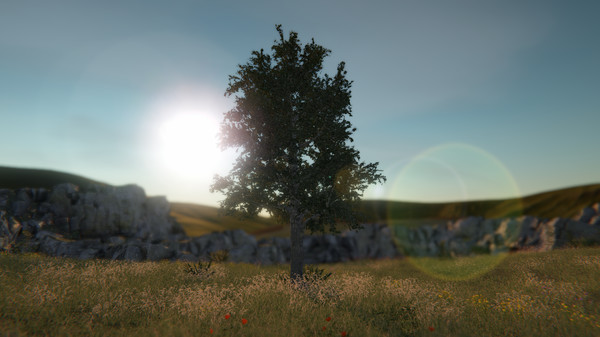
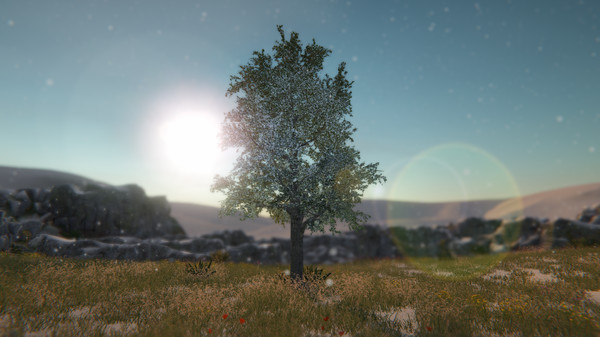
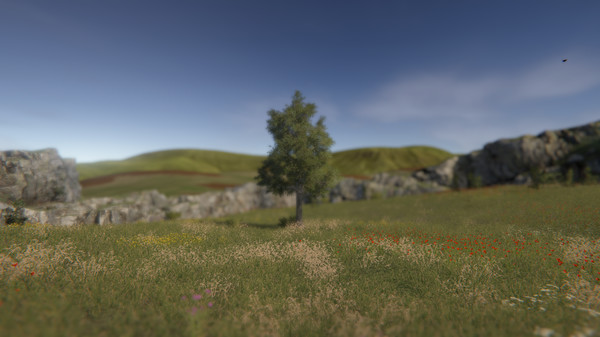
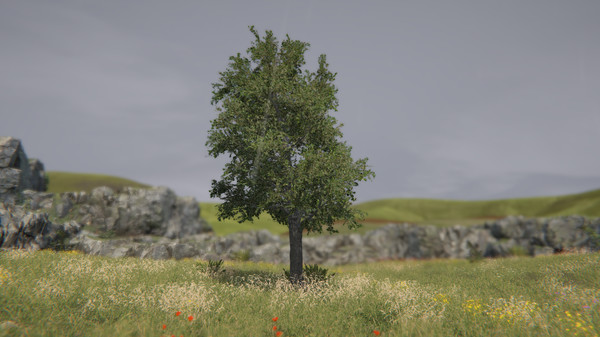
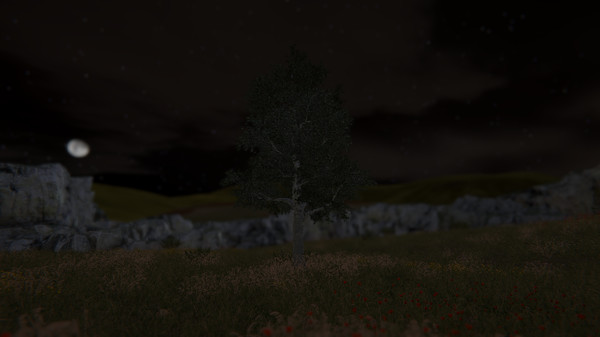


Tree Simulator 2022 casts you as a tree in a forest, with no stated quests or structured objectives. The focus is on occupying the space and observing your surroundings.
Rotate the camera and zoom to look around. Customizable settings let you alter the scene; player descriptions mention changing the weather and time of day.
In multiplayer, invite other players to share the forest as trees. The game description says it is intended to support up to 100 players, though it has been tested with four.
Players who enjoy the game often value its quiet, relaxing atmosphere and the novelty of simply being a tree. Some appreciate keeping it open as a background scene, while others enjoy sharing the forest with friends or find humor in the premise. A few reviewers criticize the experience as sparse, with limited settings or polish.
| Platforms | Windows |
|---|---|
| Achievements | 19 |
| Age ratings |
|
| Controller required | No |
| Content notices |
|