We Love It's Guide to…
Little Sister is a Live2D desktop pet game.
Released 30 Sep 2026
A girl in a cat-eared hat blinks, breathes and follows your cursor. Move, resize, lock or hide her, add static, GIF or MP4 wallpapers, and discover or share characters and wallpapers through Steam Workshop.
Developed by HaHaHaGame · Published by HaHaHaGame

Little Sister currently doesn't have enough reviews for a summary to be created!
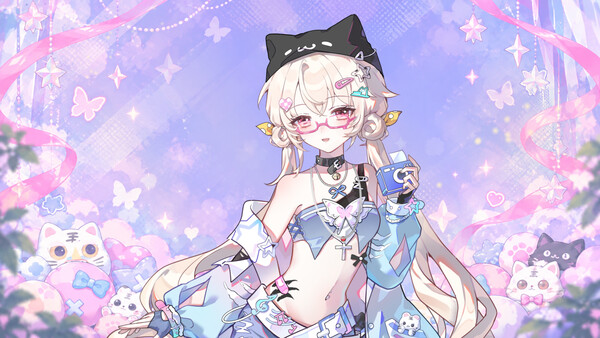
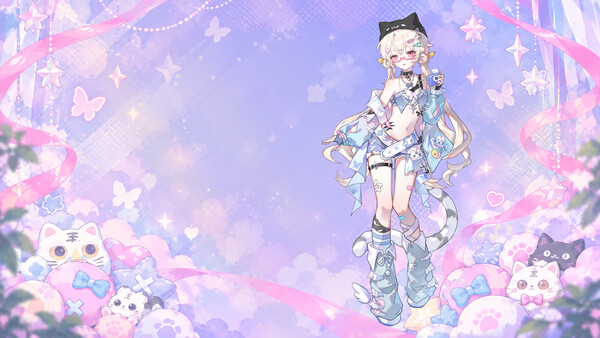
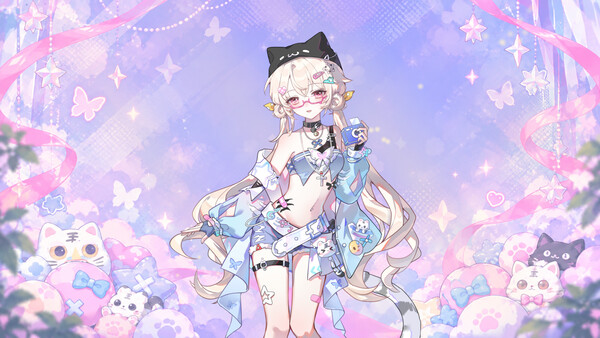
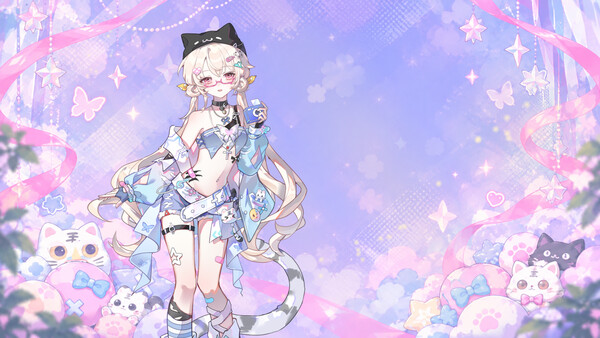
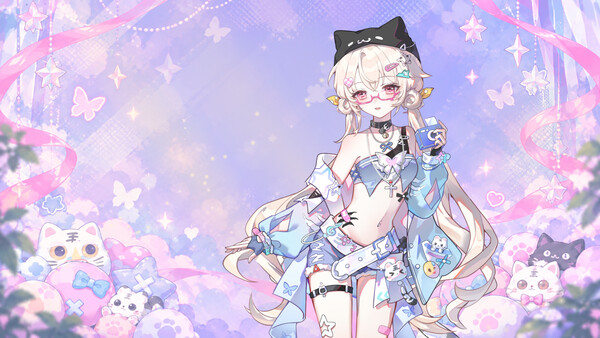
Little Sister is a Live2D desktop companion game for Windows. A girl in a cat-eared hat and pink glasses settles into a corner of your desktop, keeping you company while you work, study, browse the web or enjoy a quiet moment.
Place her wherever you like and choose a wallpaper to make the desktop your own. Let her stay quietly by your side while you're busy, then take a break and watch her eyes follow your cursor, adding a little cuteness to an ordinary day at your computer.
The game includes one built-in little sister character. Natural blinking, breathing and gentle movements bring her to life on your desktop. Her head and eyes follow your cursor, while her long hair and clothing sway softly with her movements.
Click and hold the character to drag her. Hover over her and use the mouse wheel to resize her from 55% to 450%.
Toggle always-on-top mode to keep her in front of other windows or let them cover her.
Mouse input passes through transparent areas around and within the character. Enable Lock to let it pass through the entire character.
Hide her when you need to focus, then show her again from the system tray menu. Any active animated wallpaper keeps playing while she is hidden.
Use the right-click and system tray menus to open settings, switch characters and wallpapers, lock, hide or exit. You can also show or hide the taskbar icon.
The game includes a pink-and-lavender static background and an animated version with drifting light and dust motes. Let your little sister share the desktop with this gentle scenery, or hide her and enjoy the wallpaper on its own.
Choose a local GIF animation or MP4 video as an animated wallpaper that loops silently behind your desktop icons.
Switch between built-in wallpapers and downloaded, compatible Workshop wallpapers in the Select Wallpaper menu.
Turn off the wallpaper feature to restore the desktop background recorded before you enabled it.
Animated wallpapers play while the game is running. MP4 playback depends on the video's encoding and your system's decoding support.
Steam Workshop has separate Characters and Wallpapers categories. Find community creations you like, or share compatible content you have made yourself.
Browse, search, subscribe to or unsubscribe from community characters and wallpapers. Once downloaded, choose them from the corresponding menu.
Upload compatible character packages, or share PNG/JPG static wallpapers, GIF/MP4 animated wallpapers and preview images.
Manage your published Workshop content: update its files and description, or delete your own creations.
Community content must use formats supported by the game. Character animation depends on the model resources used.
Character position, size, language and display preferences are saved automatically for your next session. Placement can be restored across multiple monitors and is adjusted to the currently available screen area.
Steam Cloud can sync preferences such as character size, position and language. You must be signed in to Steam with cloud sync enabled. Local wallpaper files and Windows startup settings remain on the current computer.
Starting with Windows is supported and disabled by default on first use. You can turn it on in settings if you want to, and turn it off again at any time. Only one instance of the game runs at a time to prevent duplicate launches.
The interface supports 30 languages. On first launch, the game prioritizes your Steam interface language when choosing its initial language. You can change it in settings at any time, and your choice will be remembered.
The game includes 10 Steam achievements. Use Unlock Achievements in the menu to unlock them in sequence, with no complex challenges to complete.
Leave a little room on your desktop and let your little sister keep you company today.
| Platforms | Windows |
|---|---|
| Achievements | 10 |
| Age ratings |
|
| Controller required | No |
Games similar to Little Sister