We Love It's Guide to…
Dot to Dot Puzzles
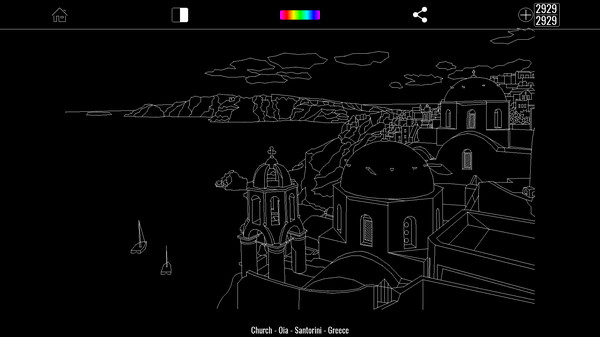
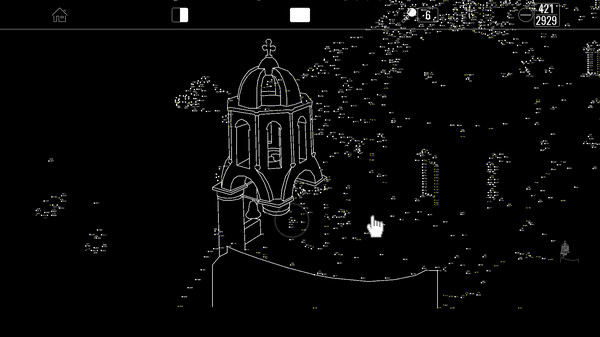
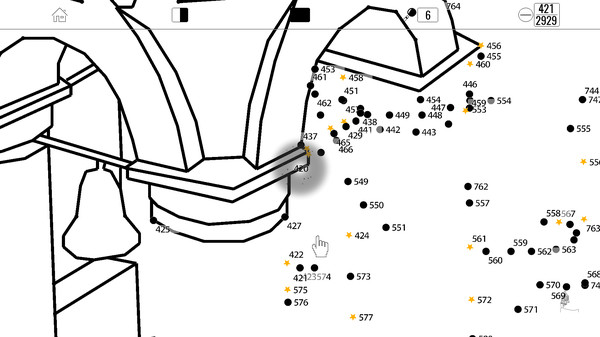
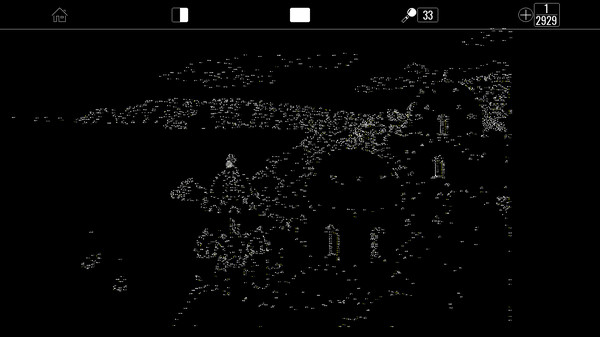
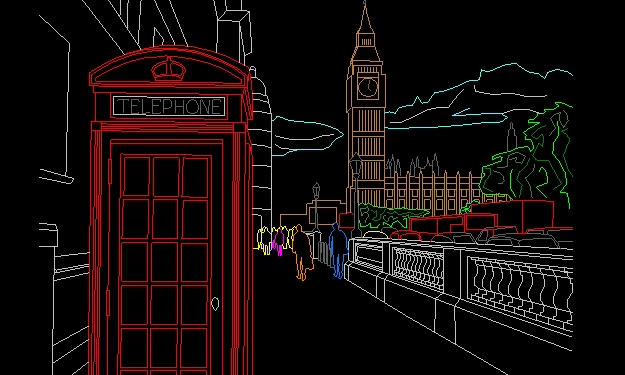
Dot To Dot Puzzles is an amusing and relaxing game for young and mature people with an amazing world of complex drawings and diverse themes. Discover what is hidden behind, connecting dots orderly. Once puzzle is solved, pictures can be customized, changing lines colors.
Released:
Jul 9, 2018
•
Developer:
Online OciGrup SL
•
Publisher:
Online OciGrup SL
The Developer Says...

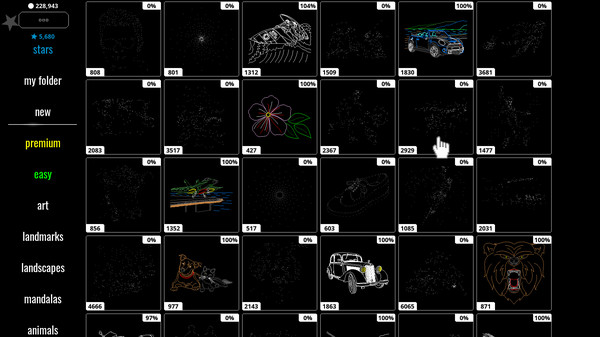
Dot To Dot Puzzles is an amusing and relaxing game for young and mature people with an amazing world of complex drawings and diverse themes. Discover what is hidden behind, connecting dots orderly. Once puzzle is solved, pictures can be customized, changing lines colors. Images to draw by connecting the dots are classified into tags as Art, Monuments, Landscapes, Mandalas, Animals, Vehicles and Sports among others.
Features:
- 100+ hours of playtime! ( * Premium DLC owners )
- Includes wide variety of drawings from 100 to more than 7000 dots.
- Watch animation of your finished puzzle.
- Access all Premium content with the Lifetime Premium Pack
- Stars reward system with exclusive content. Each resolved dot becomes a star.
- Boost your stars & hints with the Lifetime Booster Pack.
- Stars are used to unlock exclusive Premium and Star images.
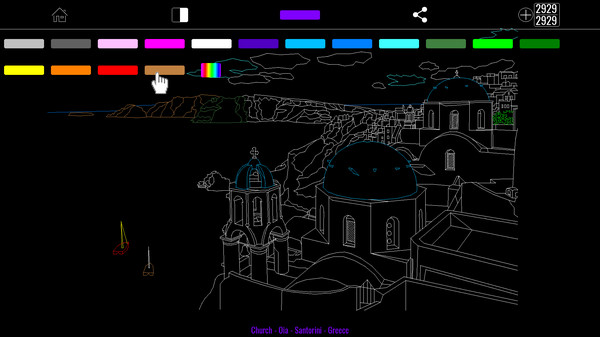
- Button to access advanced color system. It has two color modes
- Total Color Mode: allows you to change color of whole pic, both during puzzle game and in final image.
- Line Color Mode: by default and exclusive in finished pictures, allows to individually edit the color for each lines group.
- Customized colors in Line Mode will be lost when changing color in Total Mode
- It has a button to activate inverted appearance on the screen, black on a white background.
- Button with fast zoom in and zoom out, or press Z key.
- Local zoom, magnifying effect, to activate, click on right mouse button, or press M key.
- Creative, anti-stress and relaxing activity.
- Share your creations on social networks.
Keyboard shortcuts:
- Spacebar: move mouse over a dot and perform a click with spacebar
- Z: fast zoom in & zoom out
- M: magnifier on / off
- H: hide and show toolbar
- WASD or Arrow keys: move around
- Esc : Exit
Back of the Box Details
Steam Deck
Unknown
DLC
3
DRM/EULA Notices
None
Achievements
None
Ratings
None
Demo
None
Metacritic
None
Content Notices
Age rating for: ESRB
Controller Support
None
Reviews
81%
Very Positive
Based on 189 reviews
Individual reviews are not available yet.