We Love It's Guide to…
The Exit 8
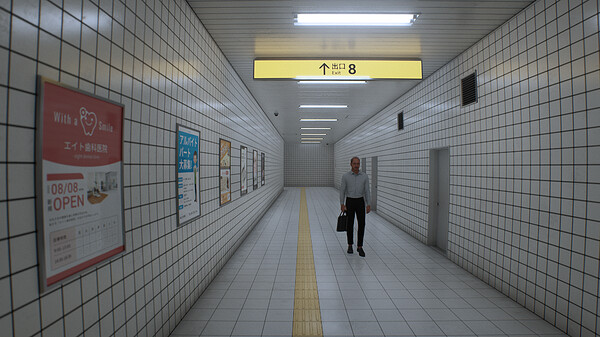
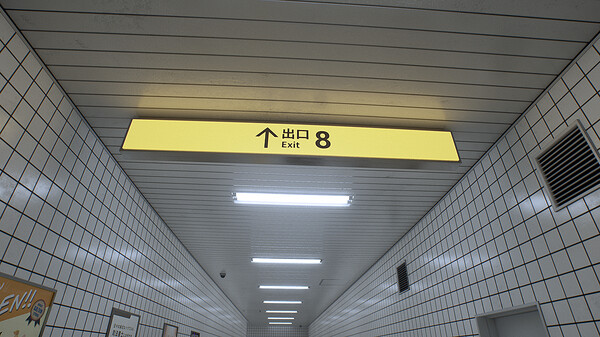
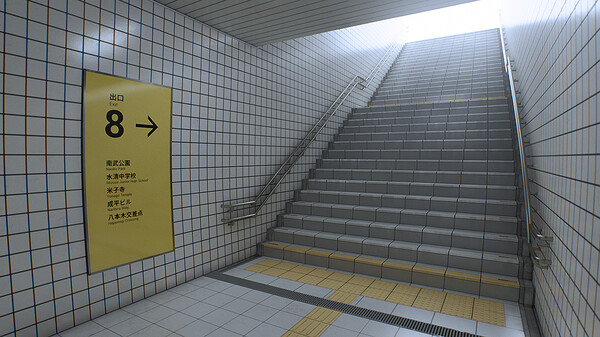
You are trapped in an endless underground passageway. Observe your surroundings carefully to reach "The Exit 8".
Released:
Nov 29, 2023
•
Developer:
KOTAKE CREATE
•
Publisher:
PLAYISM
Exploration
Puzzle
Immersive Sim
Walking Simulator
Underground
Horror
3D
First-Person
Psychological Horror
Surreal
Funny
Controller
Linear
Simulation
Casual
Realistic
Minimalist
Psychological
Mystery
Atmospheric
The Developer Says...
You are trapped in an endless underground passageway.
Observe your surroundings carefully to reach "The Exit 8".
Don't overlook any anomalies.
If you find anomalies, turn back immediately.
If you don't find anomalies, do not turn back.
To go out from Exit 8.
The Exit 8 is a short walking simulator inspired by Japanese underground passageways, liminal spaces and back rooms.
The game is only available in Japanese and English, but if you understand the above description of the anomaly, you can probably play it all the way through.
If you are easily intoxicated, changing the following settings may help.
【Camera shake】
The camera shakes when you walk or run, but if you set the value to 0.0, the camera will not shake.
【Camera Acceleration】
If you set the maximum value to 30.0, the camera will move without delay.
【Camera Sensitivity】
If the sensitivity is high, the camera will move significantly when the mouse is moved.
Adjust the value if you find it difficult to operate the camera with the default value of 1.
【Motion Blur】
Afterimages will appear when the camera is moved. Recommended to disable at 30FPS
【Preset】
Set the overall graphic settings.
If you do not have sufficient specs, it is better to set it to "Low" to avoid sickness.
Observe your surroundings carefully to reach "The Exit 8".
Don't overlook any anomalies.
If you find anomalies, turn back immediately.
If you don't find anomalies, do not turn back.
To go out from Exit 8.
The Exit 8 is a short walking simulator inspired by Japanese underground passageways, liminal spaces and back rooms.
The game is only available in Japanese and English, but if you understand the above description of the anomaly, you can probably play it all the way through.
Play Time
15-60 minutesAbout Video Distribution
See the official KOTAKE CREATE website.Option
Graphics settings, mouse sensitivity, camera shake, and other settings can be configured from the options.If you are easily intoxicated, changing the following settings may help.
【Camera shake】
The camera shakes when you walk or run, but if you set the value to 0.0, the camera will not shake.
【Camera Acceleration】
If you set the maximum value to 30.0, the camera will move without delay.
【Camera Sensitivity】
If the sensitivity is high, the camera will move significantly when the mouse is moved.
Adjust the value if you find it difficult to operate the camera with the default value of 1.
【Motion Blur】
Afterimages will appear when the camera is moved. Recommended to disable at 30FPS
【Preset】
Set the overall graphic settings.
If you do not have sufficient specs, it is better to set it to "Low" to avoid sickness.
YouTube Search Results
Back of the Box Details
Steam Deck
Playable
DLC
None
DRM/EULA Notices
Requires agreement to a 3rd-party EULA
8番出口 EULA
Achievements
None
Ratings
None
Demo
None
Metacritic
None
Content Notices
None
Controller Support
Xbox
Reviews
93%
Very Positive
Based on 10968 reviews
Individual reviews are not available yet.